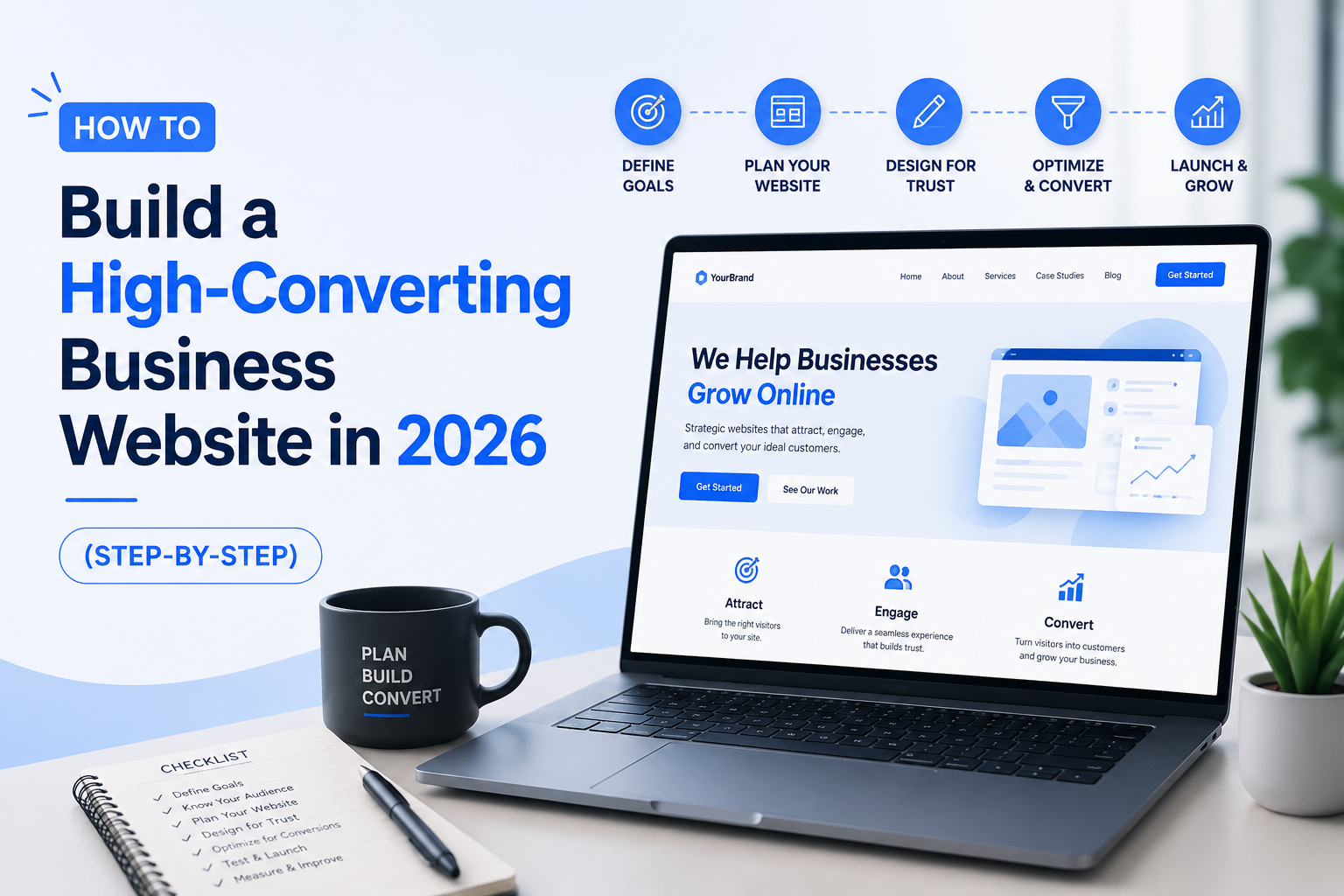
Why Your Website Is Your Most Important Business Asset in 2026
In 2026, your business website is your 24/7 salesperson, your credibility certificate, and your lead generation engine — all in one. India now has over 900 million internet users, and 75% of them judge a business’s credibility based on its website within the first 5 seconds of visiting.
Yet most Indian business websites fail to convert visitors into customers. Not because they look bad — but because they violate fundamental principles of user experience, speed, and persuasion. This guide fixes that.
Step 1: Define Your Website Goal and Ideal Customer
Before writing a single line of code or choosing a single colour, answer this: What is the ONE primary action you want every website visitor to take? Common goals for Indian businesses include:
- Generate leads through a contact form or enquiry button
- Drive WhatsApp conversations for direct sales
- Sell products or services through an e-commerce checkout
- Build brand awareness and establish authority in your niche
- Book appointments or consultations online
Once your goal is clear, define your Ideal Customer Profile (ICP). In India’s diverse market, this means understanding their age bracket, city (metro vs tier-2 vs tier-3), device preference (82%+ use mobile), income range, and the specific problem they need you to solve.
💡 Pro Tip: Interview 5–10 existing customers and ask: ‘What made you choose us, and what almost stopped you?’ Their answers will shape your website content better than any consultant.
Step 2: Choose the Right Platform for Your Business
Your platform determines your site’s flexibility, cost, and long-term scalability. Here is a comparison tailored for Indian businesses:
| Platform | Best For | Dev Cost (INR) | SEO Strength | Ease of Use |
| WordPress | SMBs, blogs, service companies | ₹15,000–₹80,000 | ⭐⭐⭐⭐⭐ | ⭐⭐⭐⭐ |
| Next.js / React | Startups, high-performance sites | ₹60,000–₹3,00,000+ | ⭐⭐⭐⭐⭐ | ⭐⭐ |
| Shopify | E-commerce stores | ₹20,000–₹1,50,000 | ⭐⭐⭐⭐ | ⭐⭐⭐⭐⭐ |
| Wix / Squarespace | Freelancers, tiny businesses | ₹2,000–₹6,000/mo | ⭐⭐ | ⭐⭐⭐⭐⭐ |
| Custom PHP / Laravel | Enterprise, complex systems | ₹1,00,000–₹10,00,000+ | ⭐⭐⭐⭐⭐ | ⭐ |
For most Indian SMBs, WordPress or Next.js built by a professional agency delivers the best balance of performance, SEO, and cost-effectiveness.
Step 3: Plan Your Site Architecture
A clear website structure helps both users and Google understand your content instantly. A high-converting business website typically includes:
- Homepage — Hero section with clear value proposition + primary CTA
- About Us — Story, team photos, awards, and trust signals
- Services / Products — Dedicated, keyword-rich pages for each offering
- Portfolio / Case Studies — Real results with numbers and client names
- Blog — SEO content hub targeting your customers’ questions
- Testimonials / Reviews — Social proof from verified Indian customers
- Contact — Multiple methods: form, phone, WhatsApp, map embed, address
Step 4: Design for Conversion, Not Just Beauty
The 5-Second Rule
A first-time visitor decides within 5 seconds whether to stay or leave. Your homepage hero section must immediately answer: Who are you? What do you offer? Why should I care? Use a sharp headline, a single supporting subheadline, and ONE prominent CTA button.
Colour Psychology for Indian Audiences
Blue builds trust (banks, tech companies). Orange and green drive action. Red signals urgency but use it sparingly. For Indian markets, warm and culturally familiar tones increase comfort and conversions — avoid overly minimalist Western aesthetics if your audience is tier-2 India.
The F-Pattern Layout
Eye-tracking research shows users read web pages in an F-shape — scanning across the top, then down the left side. Place your headline, key benefit, and CTA along this visual path. Important information placed in the ‘dead zone’ (bottom right) is often missed entirely.
Step 5: Write Content That Converts
The most beautiful website will fail if the words don’t connect. Every page should follow this proven structure:
- HOOK — Grab attention in the first line by addressing the visitor’s pain
- PROBLEM — Acknowledge their specific challenge
- SOLUTION — Position your product/service as the clear answer
- PROOF — Show testimonials, case studies, stats, and client logos
- CTA — A clear, benefit-focused action: ‘Get My Free Quote’ not ‘Submit’
✍️ Content Test: Replace every instance of ‘We are…’ and ‘Our company…’ on your homepage with language that starts with ‘You get…’ or ‘Your business will…’. Conversion rates typically improve 30–50% with this single change.
Step 6: Optimise for Google Core Web Vitals
Google’s Core Web Vitals are direct ranking factors in 2026. Missing these thresholds means lower rankings AND higher bounce rates:
| Metric | Full Name | Target Score | Ranking Impact |
| LCP | Largest Contentful Paint | Under 2.5 seconds | 🔴 Critical |
| INP | Interaction to Next Paint | Under 200 milliseconds | 🔴 Critical |
| CLS | Cumulative Layout Shift | Under 0.1 score | 🟠 High |
| TTFB | Time to First Byte | Under 600 milliseconds | 🟠 High |
Test your site free at: https://pagespeed.web.dev — fix each issue in order of severity.
Step 7: Mobile-First is Non-Negotiable
Over 82% of Indian internet traffic comes from smartphones. Google uses mobile-first indexing — it ranks your mobile version, not your desktop. Essentials:
- All tap targets (buttons, links) minimum 44×44 pixels
- Body text minimum 16px — readable without zooming
- No horizontal scrolling on any device under 375px wide
- Forms simplified to under 5 fields on mobile
- WhatsApp button visible without scrolling on mobile
Step 8: Add Trust Signals That Indian Visitors Respond To
Indian online users have justifiable digital scepticism. These trust signals overcome hesitation:
- Google My Business reviews widget with real ratings
- GST number displayed in footer (signals registered, legitimate business)
- Team photos with names and designations (real people, not stock)
- Client logos from recognisable brands or companies
- SSL certificate — padlock icon visible in browser bar
- Physical address with Google Maps embed
- Membership of industry bodies (NASSCOM, CII, local chamber)
Step 9: Set Up Analytics and Conversion Tracking
You cannot improve what you cannot measure. Before launch, set up:
- Google Analytics 4 (GA4) — track all traffic and behaviour
- Google Search Console — monitor SEO performance and indexing
- Google Tag Manager — manage all tracking scripts cleanly
- Heatmaps via Hotjar or Microsoft Clarity (free) — see where users click
- CRM integration — Zoho, HubSpot, or LeadSquared for lead management
Step 10: Launch, Test, and Continuously Improve
Your website launch is the beginning, not the end. Follow this post-launch checklist:
- Test all contact forms and confirm emails are received
- Check every page on 3 real mobile devices (not just DevTools)
- Submit XML sitemap to Google Search Console
- Verify no broken links using Screaming Frog free version
- Run a Lighthouse audit — target 90+ score on all metrics
- A/B test your homepage headline within the first 30 days
Want a High-Converting Website Built for You?
We design and build conversion-focused websites end to end. Explore our web development and design services, or get a free consultation with the Vansys Technologies team.
Related reading: 10 Must-Have Website Features · Why Your Website Is Losing Customers