Imagine you have written the world’s best book. The content is brilliant, the design is beautiful. But the pages are printed in random order, half the text is in invisible ink, and the cover is sealed shut. That is what your website is to Google without technical SEO.
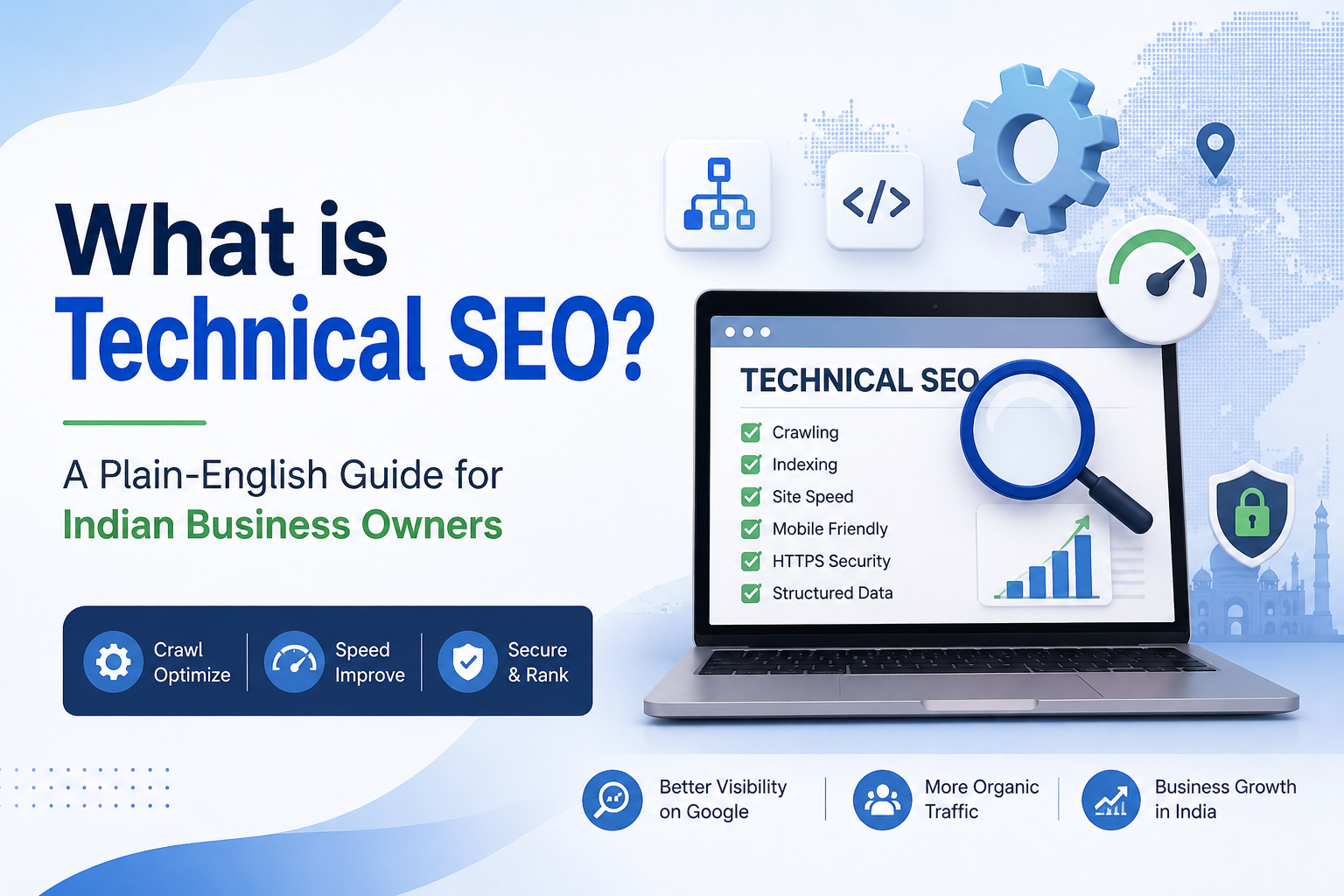
Technical SEO is the process of making sure Google can: FIND your website (crawlability), READ your content (renderability), UNDERSTAND what each page is about (structured data), and RANK it based on actual content quality rather than technical errors holding it back.
The 9 Core Areas of Technical SEO
1. Website Speed and Core Web Vitals
Google uses three key performance metrics as direct ranking factors:
| Metric | Full Name | Measures | Good Threshold | Bad Threshold |
| LCP | Largest Contentful Paint | Loading of main content | Under 2.5 seconds | Over 4 seconds |
| INP | Interaction to Next Paint | Responsiveness to clicks | Under 200ms | Over 500ms |
| CLS | Cumulative Layout Shift | Visual stability (no jumping) | Under 0.1 | Over 0.25 |
| TTFB | Time to First Byte | Server response speed | Under 600ms | Over 1.8 seconds |
How to improve: Fast hosting (Indian servers in Mumbai/Bengaluru), WebP images, browser caching, CDN (Cloudflare free), remove unused plugins, minify CSS/JavaScript. Test at: https://pagespeed.web.dev
2. Mobile-Friendliness and Mobile-First Indexing
Google’s mobile-first indexing means it primarily uses the MOBILE version of your website for ranking — not the desktop version. If your mobile experience is poor, your desktop rankings suffer too, regardless of how good your desktop site looks.
- Test at: https://search.google.com/test/mobile-friendly
- Fix: Responsive CSS that adapts from 320px to 1920px
- Fix: Buttons minimum 44×44px for finger-friendly navigation
- Fix: Text readable at 16px without zooming
- Fix: No intrusive interstitials (pop-ups) covering mobile content
3. Crawlability — Can Google Discover Your Pages?
Before Google can rank your pages, its crawler (Googlebot) must be able to access them. Common crawlability blockers that we find on Indian business websites:
- robots.txt file accidentally blocking the entire site or important sections
- Noindex meta tags applied to pages that should appear in Google
- JavaScript-rendered content that Google struggles to process
- Site not linked to from any external source (no way for Google to find it)
- Login-required pages Google cannot access
Check: Visit yourwebsite.com/robots.txt — verify it does not disallow important pages. Then check Google Search Console > Settings > Crawl stats.
4. Indexability — Are Your Pages in Google’s Database?
A page can be crawlable but still not indexed (not included in Google’s search database). This is one of the most common technical SEO problems for Indian business websites.
Check: Search Google for site:yourwebsite.com — the results shown are your indexed pages. Then check Search Console > Coverage report for:
- ‘Submitted URL has crawl issue’ — server errors blocking access
- ‘Duplicate without canonical tag’ — Google confused about which version to index
- ‘Crawled but not indexed’ — Google visited but chose not to include
- ‘Blocked by robots.txt’ — explicitly prevented from indexing
5. HTTPS and Security
HTTPS (encrypted connection via SSL certificate) has been a Google ranking factor since 2014. In 2026, it is simply table stakes — non-negotiable for any serious Indian business website. Chrome actively warns users when visiting HTTP sites.
- Get SSL certificate from your hosting provider — most offer LetsEncrypt free SSL
- Ensure all pages redirect HTTP → HTTPS with 301 redirects
- Check for ‘mixed content’ — HTTPS page loading HTTP resources (images, scripts)
- Renew SSL before it expires — set a calendar reminder for 30 days before expiry
6. Site Architecture and URL Structure
How your website is organised determines which pages get the most ‘link equity’ (ranking power) and how efficiently Google crawls your entire site.
Ideal URL Structure for Indian Businesses
| Good URL | Bad URL | Why |
| vansys.co.in/services/seo | vansys.co.in/?p=234 | Descriptive, keyword-containing |
| vansys.co.in/blog/local-seo-ahmedabad | vansys.co.in/blog/post-04-12-2024 | Keyword-rich, not date-based |
| vansys.co.in/web-design-india | vansys.co.in/WebDesignIndia | Lowercase, hyphen-separated |
Internal Linking Structure
Good internal linking distributes page authority and helps Google understand your site hierarchy. Best practices:
- Homepage links to all primary service/product category pages
- Every page is reachable within 3 clicks from the homepage
- Use descriptive anchor text — ‘Our SEO Services’ not ‘click here’
- Avoid orphan pages — pages with no internal links pointing to them
7. Structured Data and Schema Markup
Schema markup is machine-readable code that tells Google exactly what your content means. In 2026, schema is the key to appearing in Google’s AI Overviews and rich result features.
| Schema Type | What It Tells Google | Rich Result Benefit |
| LocalBusiness | Your business name, address, phone, hours | Knowledge Panel, Maps data |
| FAQPage | Question-and-answer pairs on your page | FAQ rich results (doubles SERP space) |
| Product | Product name, price, availability, rating | Price + rating in search results |
| Review/Rating | Customer review scores | Star ratings visible in results |
| Article | Blog post details, author, date | Google Discover eligibility |
| BreadcrumbList | Navigation structure | Breadcrumb path in search results |
Test your schema markup at: https://search.google.com/test/rich-results
8. Duplicate Content
Duplicate content confuses Google — it does not know which version of a page to rank. Common causes for Indian business websites:
- www vs non-www versions both accessible (example.com AND www.example.com)
- HTTP and HTTPS both returning content
- Multiple URLs for the same page (with/without trailing slash, with URL parameters)
- Printer-friendly versions of pages without canonical tags
- Copy-paste content across multiple service pages
Fix: Use canonical tags (<link rel=’canonical’ href=’…’>) to tell Google which URL is the ‘master’ version.
9. XML Sitemap
Your XML sitemap is a file that lists all the important pages on your website and tells Google to crawl them. Without a sitemap, Google relies entirely on finding pages through internal and external links — which means newer pages may take weeks or months to be discovered.
- Generate your sitemap: WordPress users use Rank Math or Yoast SEO (automatic)
- Submit at: Google Search Console > Index > Sitemaps
- Include only canonical, indexable pages — not admin pages, login pages, or duplicate URLs
- Update your sitemap automatically when new content is published
Technical SEO Priority Matrix for Indian Businesses
| Issue | Fix Difficulty | SEO Impact | Fix Timeline |
| Slow loading speed (>3s) | Medium | Very High | 1–2 weeks |
| Not mobile-friendly | Medium–Hard | Very High | 2–4 weeks |
| Missing SSL/HTTPS | Easy | High | Same day |
| Pages not indexed | Easy–Medium | Very High | 1–2 weeks |
| robots.txt blocking pages | Easy | Very High | Same day — urgent |
| Missing schema markup | Medium | High | 2–4 weeks |
| Broken internal links | Easy | Medium | This week |
| Duplicate content | Medium | Medium–High | 2–3 weeks |
| Poor URL structure | Hard (needs redirects) | Medium | 1–2 months |
| Missing XML sitemap | Easy | Medium | Same day |